
Control Panel
Apex Cloud documentation.
Warnings
TIP: Permanent Access
You skip this process with a password to the Virtualizor Panel, you could reset the password given at the VPS Creation Email but you can always repeat this process every time you want to access the panel again.
You must have a active VPS service
You need to have access of your Billing account, and an active VPS or Semi-Dedicated service.
Steps
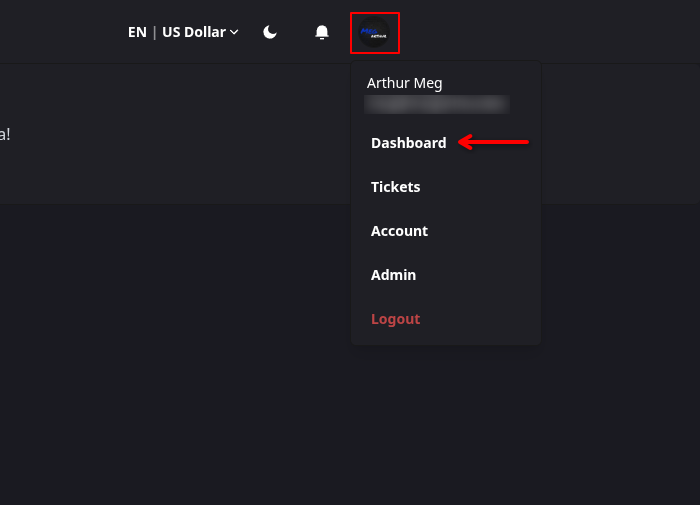
Open your Billing Dashboard
Go into the Billing website, click onto your User Icon then press the Dashboard button.
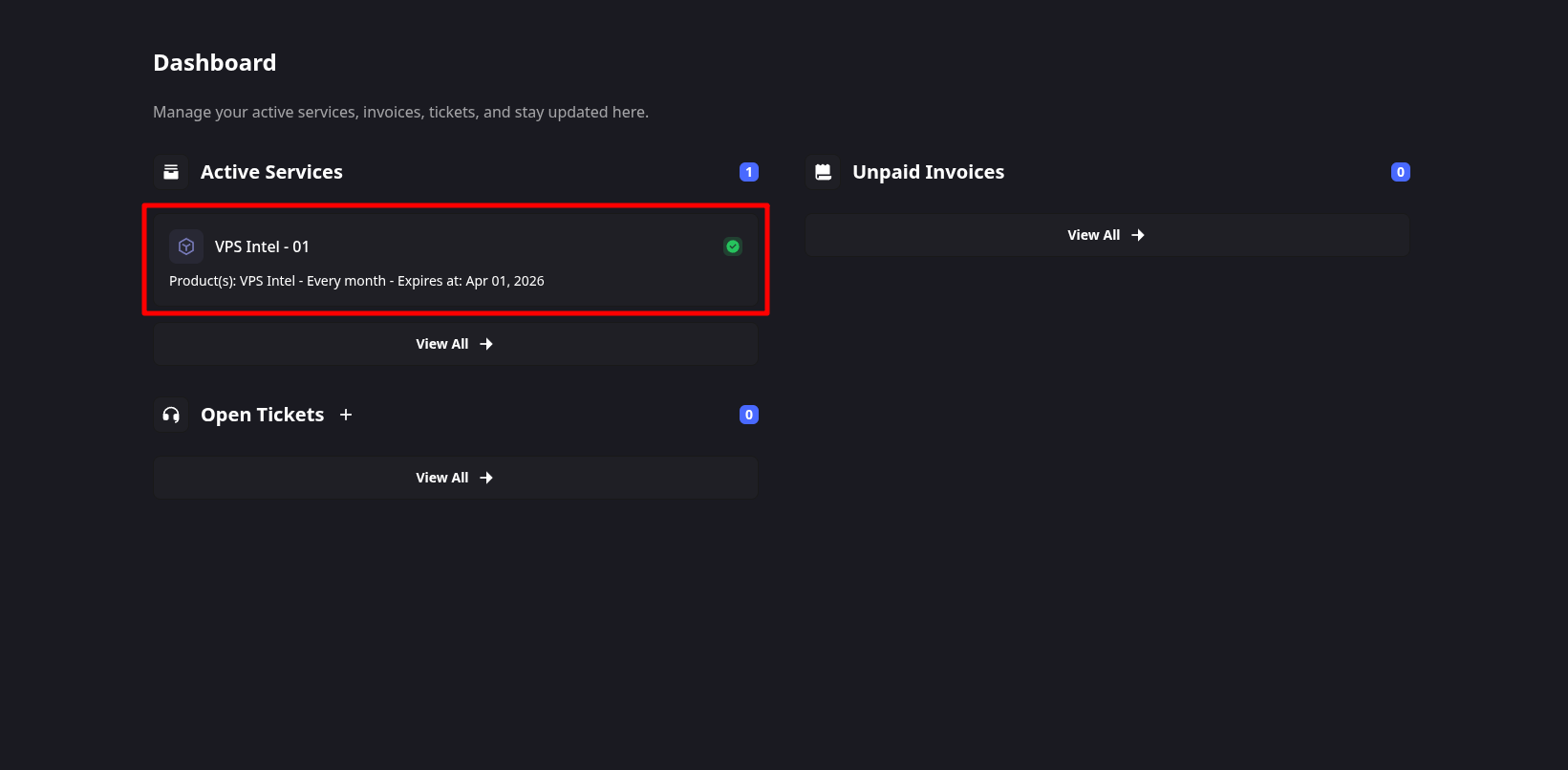
Go into an active VPS Service
Click on an active VPS service.
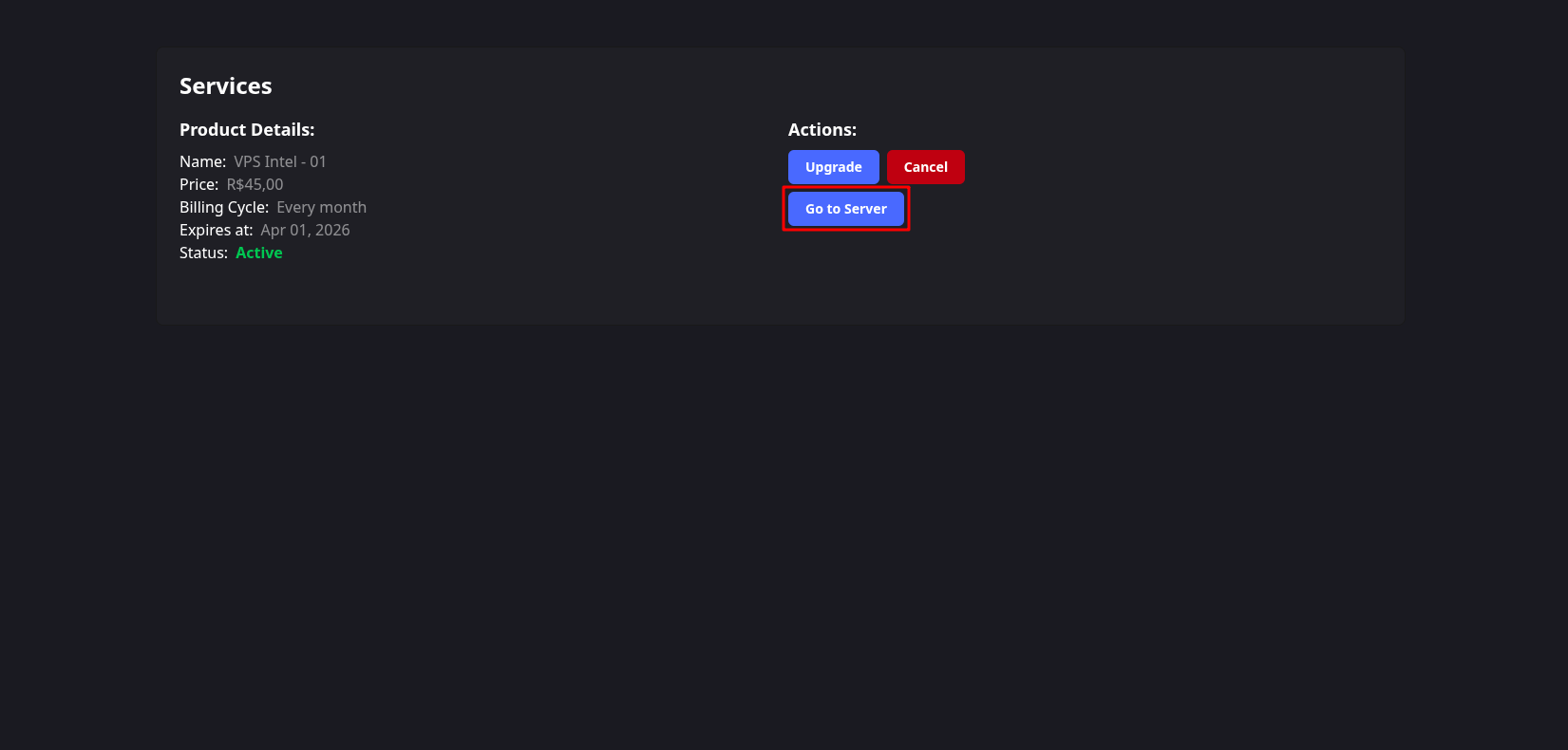
Open the Virtualizor Control Panel
Click on Go to Server button.
Done
You can now proceed, to the Connect to VPS, Change the Password or Format VPS.