
Payment methods
Pay with card, PIX or PayPal, and save a card or PayPal for faster checkout.
Accepted methods
| Method | Name in the panel | Can be saved |
|---|---|---|
| Credit card | Stripe | Yes |
| Pix | PIX - Brasil | No |
| PayPal | PayPal | Yes |
You choose the method when you pay an invoice. After Checkout the invoice opens with the payment dialog already showing, see Pay an invoice and Ordering a service. The same three methods are offered when you add credit.
How long confirmation takes
Once payment is confirmed by the system, your service is provisioned. Pix and credit card payments are usually instant. With Pix, refresh the invoice page after paying; processing can take a few minutes, see Paying with Pix.
Save a payment method
Saved methods make checkout faster and allow automatic payments. Open Account > Payment Methods (/account/payment-methods).
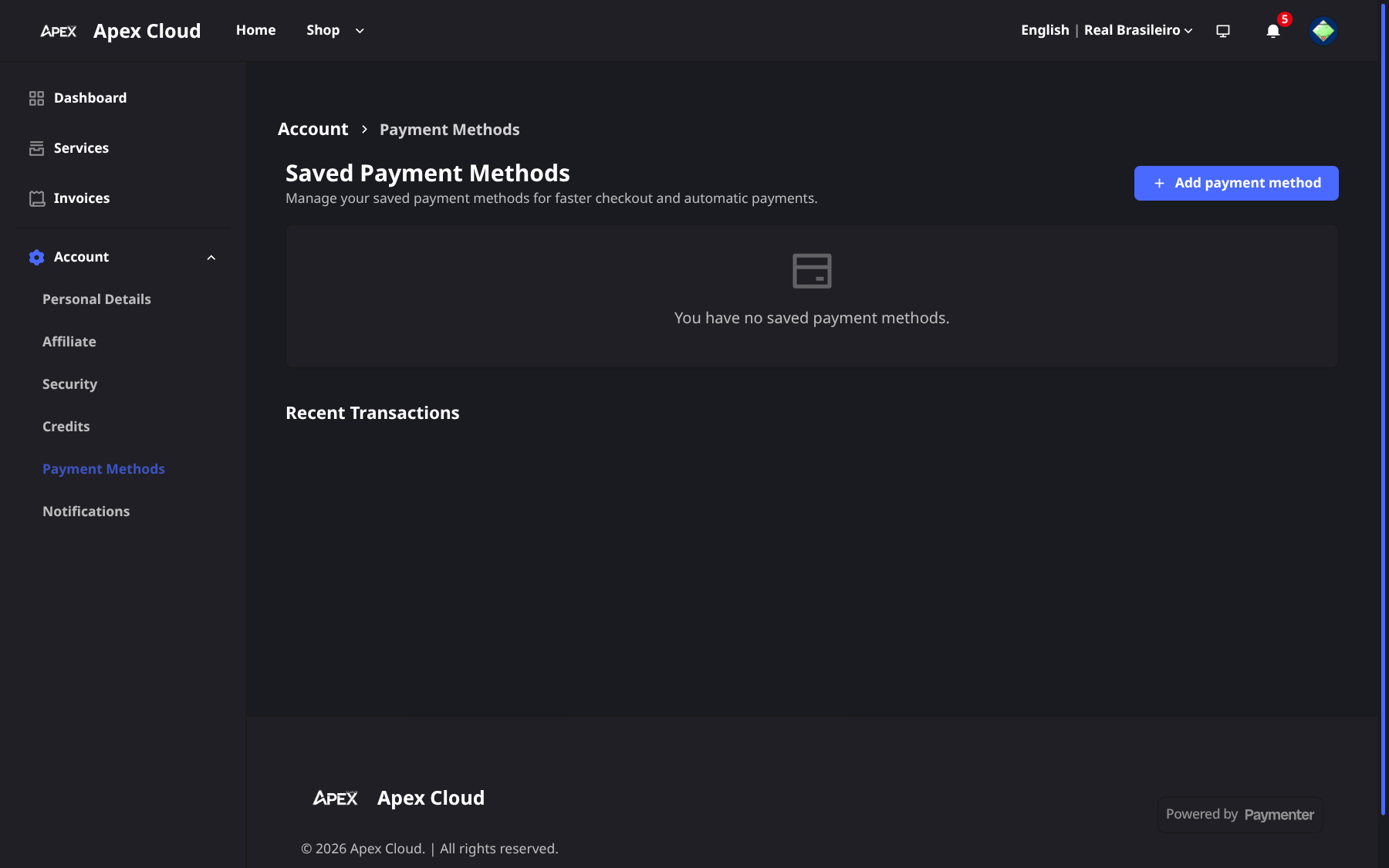
Add a method
Select Add payment method.
Choose the gateway
In Payment gateway, choose Stripe (card) or PayPal. PIX is not in the list because Pix cannot be saved.
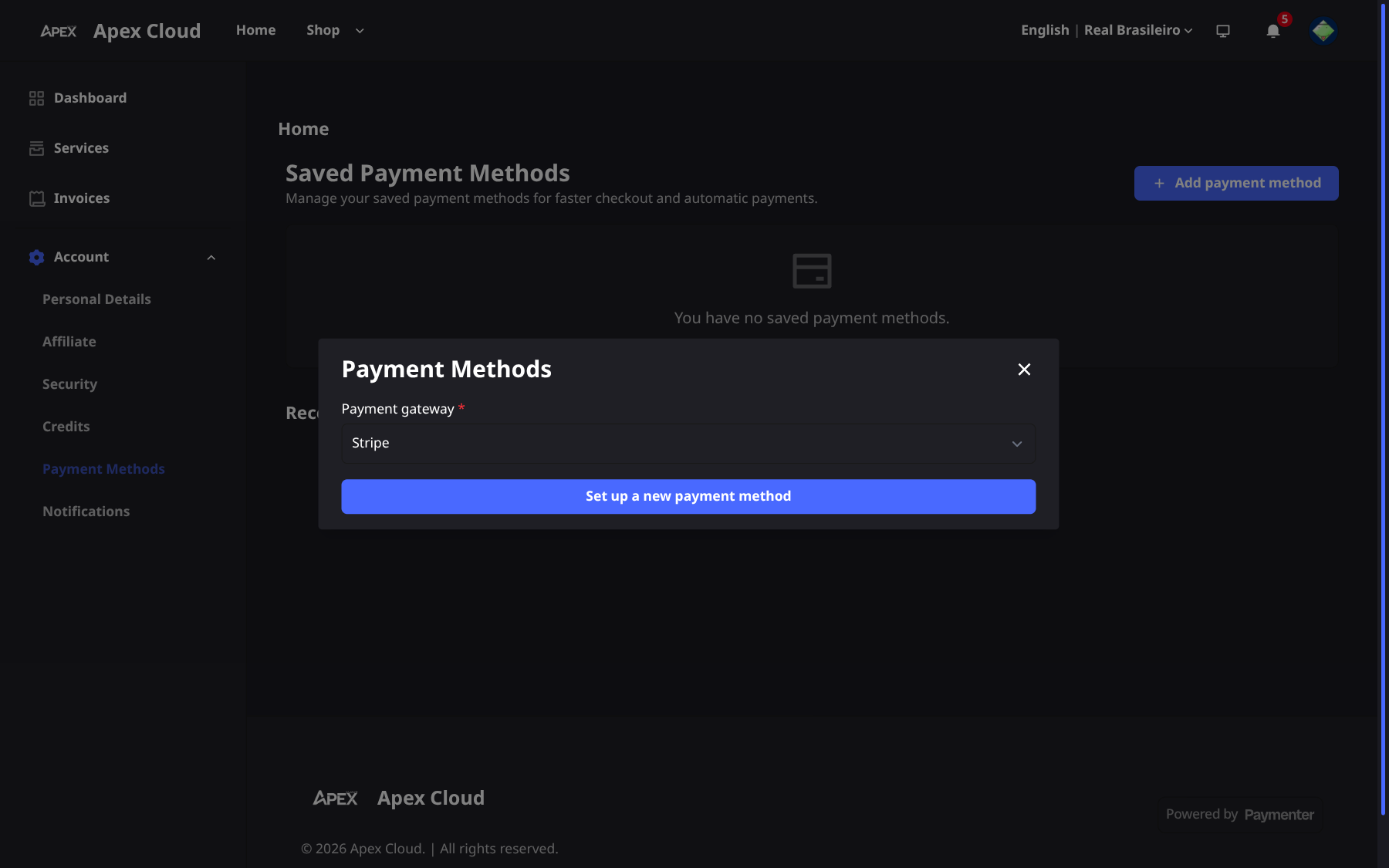
Set it up
Select Set up a new payment method and follow the steps of the gateway.
The page also lists your Recent Transactions.
Related
- Pix has to be paid again for each invoice. Keep an eye on due dates, see Renewals and overdue invoices.
- Chargebacks opened without contacting the team first can lead to suspension of your services, see Refunds.