
Orders, invoices and services
Everything you buy from Apex Cloud goes through the Billing Panel at billing.apexcloud.cc.
Invoices
View, pay and download invoices, and see when they are due.
Your services
Find a service and open its panel with Go to Server.
Upgrades
Move to a bigger plan and pay only the difference.
Account security
Turn on two-factor authentication and review sessions.
The Billing Panel is your customer account at billing.apexcloud.cc. It is where you order services, pay invoices, add credit, upgrade or cancel a plan, and find the button that takes you to your server.
It is not the login for the VPS panel (Virtualizor) or for the game server panel. Those are separate systems with their own credentials, see which credentials go where.
Language and currency
The billing panel opens in Portuguese by default. Use the language selector at the top of the page to switch to English, and the currency selector next to it to switch between BRL and USD. Menu and button names in this documentation use the English labels.
What you can do here
The left sidebar of the client area has three main entries, Dashboard, Services and Invoices, plus an Account group with Personal Details, Affiliate, Security, Credits, Payment Methods and Notifications.
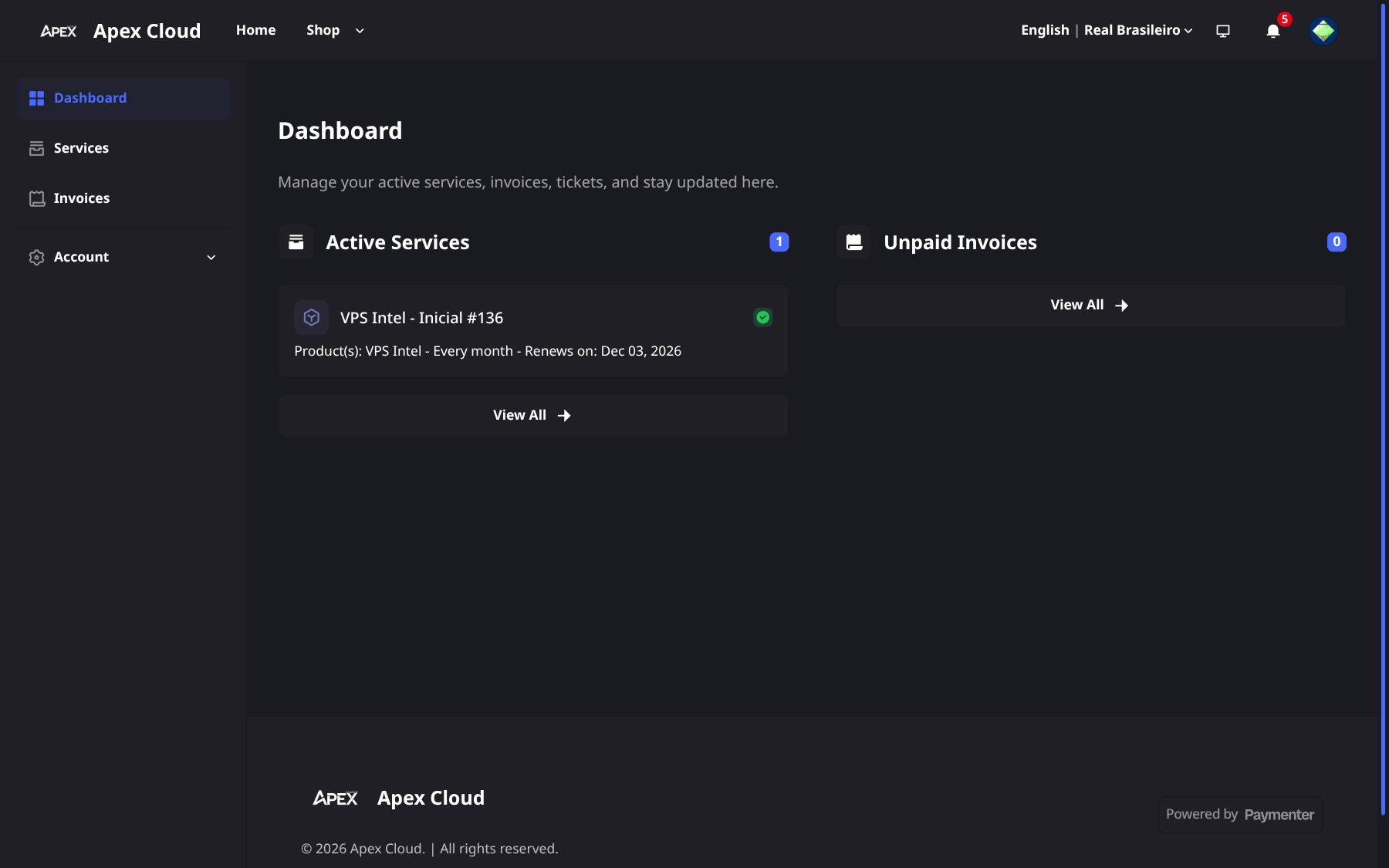
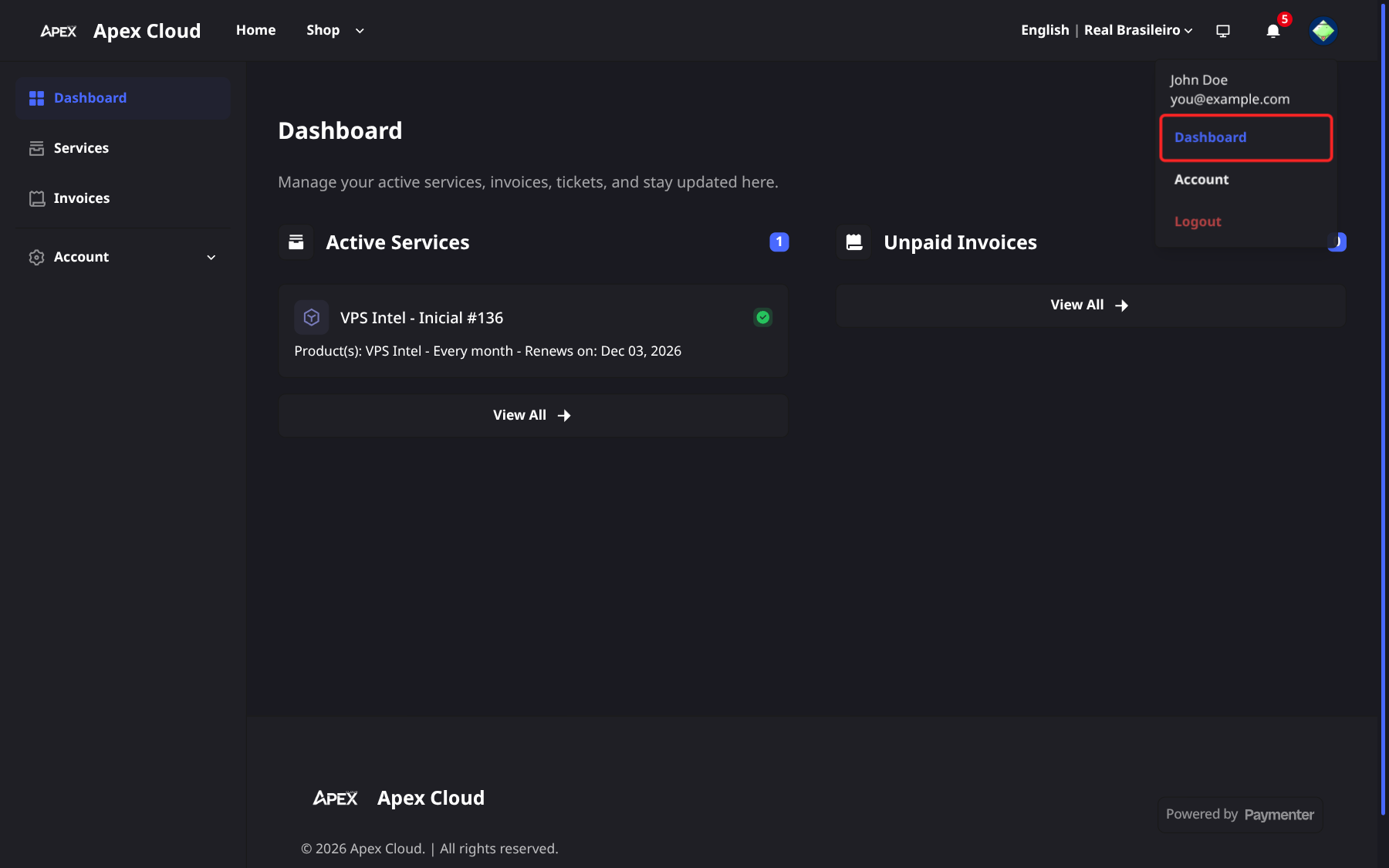
The dashboard shows your active services and unpaid invoices at a glance. The menu under your avatar (top right) gives you the same shortcuts:
| Task | Page |
|---|---|
| Create an account | Create an account |
| Log in or reset your password | Log in |
| Protect the account with two-factor authentication | Security |
| Update your name, email, address, CPF or CNPJ | Profile and billing details |
| Buy a plan | Ordering a service |
| Pay with Stripe, PIX or PayPal | Payment methods |
| Find, download or pay an invoice | Invoices |
| Add balance to your account | Credits |
| Patreon Keys, External Cache, Discord bots | Add-ons and extra products |
| Open your server or rename it | Your services |
| Move to a bigger plan | Upgrades |
| Understand due dates and suspension | Renewals and overdue invoices |
| Stop a service | Cancel a service |
| Ask for your money back | Refunds and the 7-day guarantee |
| Choose which emails and alerts you get | Notifications |
| Join the affiliate programme | Affiliate programme |
Which credentials go where
Apex Cloud runs three separate logins. Using the wrong one is the most common reason a login "does not work".
| You want to... | Go to | Log in with |
|---|---|---|
| Order, pay, upgrade, cancel, change billing details | billing.apexcloud.cc (Billing Panel) | The email and password you chose when you registered, or GitHub or Discord |
| Manage a VPS (power, console, reinstall, SSH keys) | vps.apexcloud.cc (Virtualizor) | The email and password sent to you by virtualizor@systems.apexcloud.cc when the VPS was created. From the Billing Panel you can skip the login with Go to Server, see Your services |
| Manage a game server (console, files, backups) | panel.apexcloud.cc (Pelican panel) | Your panel account, created with your Billing Panel account email when the first game server is set up; the login details arrive by email. See panel access. The login page also offers GitHub and Discord |
Forgotten passwords are reset separately for each system:
- Billing Panel: Forgot your password? on the login page.
- VPS panel: the Forgot Password link on the Virtualizor login page, where you enter your email and select Send Link. For the password of the VPS itself (the
rootorAdministratoruser), see Reset the VPS password. - Game server panel: Forgot password? on the panel login page.
Two-factor authentication on the Billing Panel protects the billing login only. See Security.
Where to get help
The billing panel has no ticket system. Contact the team by email at contato@apexcloud.cc, on Discord or on WhatsApp. More details on Getting support. Common questions are answered in the F.A.Q.