
Credits
Keep a balance in your Billing Panel account and add credit with Stripe, PIX or PayPal.
Credits are a balance stored in your Billing Panel account. Open Account > Credits (/account/credits) to see your balance. When there is none, the page says You have no credits.
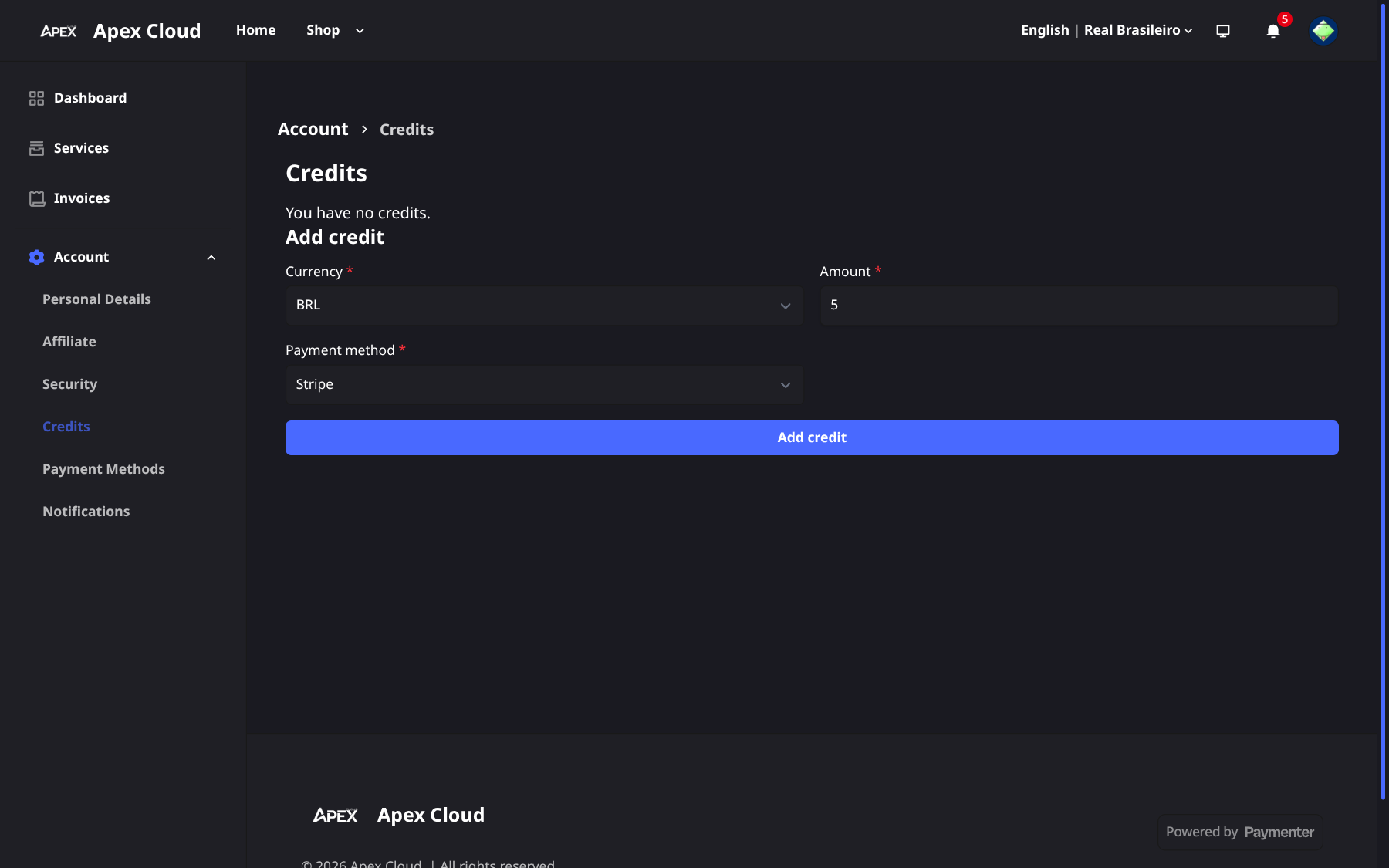
Add credit
Open the Credits page
Go to Account > Credits.
Fill in the form
Under Add credit, choose:
- Currency: BRL or USD.
- Amount: how much to add.
- Payment method: Stripe, PIX - Brasil or PayPal, see Payment methods.
Pay
Select Add credit and complete the payment with the method you chose.
Credits from the SLA
The Terms of Service (SLA section) grant compensation for unavailability as credit in your account. Credits are for use on future services and are not converted into a cash refund. To ask for it, contact support within 7 days of the incident, with the period of the outage and any evidence. See Getting support.