
Your game server, from the browser
FiveM, Minecraft and MTA:SA with the game already installed. Everything is in the Pelican game panel at panel.apexcloud.cc.
Console and power
Start the server, send commands and watch the graphs.
Files and SFTP
Edit, upload and archive files in the browser or over SFTP.
Databases
Create a MySQL database and get its connection details.
Scheduled tasks
Nightly restarts and commands on a timer.
Game Servers are game server instances running inside the Pelican game panel, at panel.apexcloud.cc. The panel gives you everything you need to manage your server from your browser, without installing a control application on your computer.
This makes Game Servers cheaper to run and easier to operate than a full virtual machine. Since the panel works in any browser, you can check your server and fix issues while you are away from your computer.
Where to start
- Sign in to the panel, see Panel access.
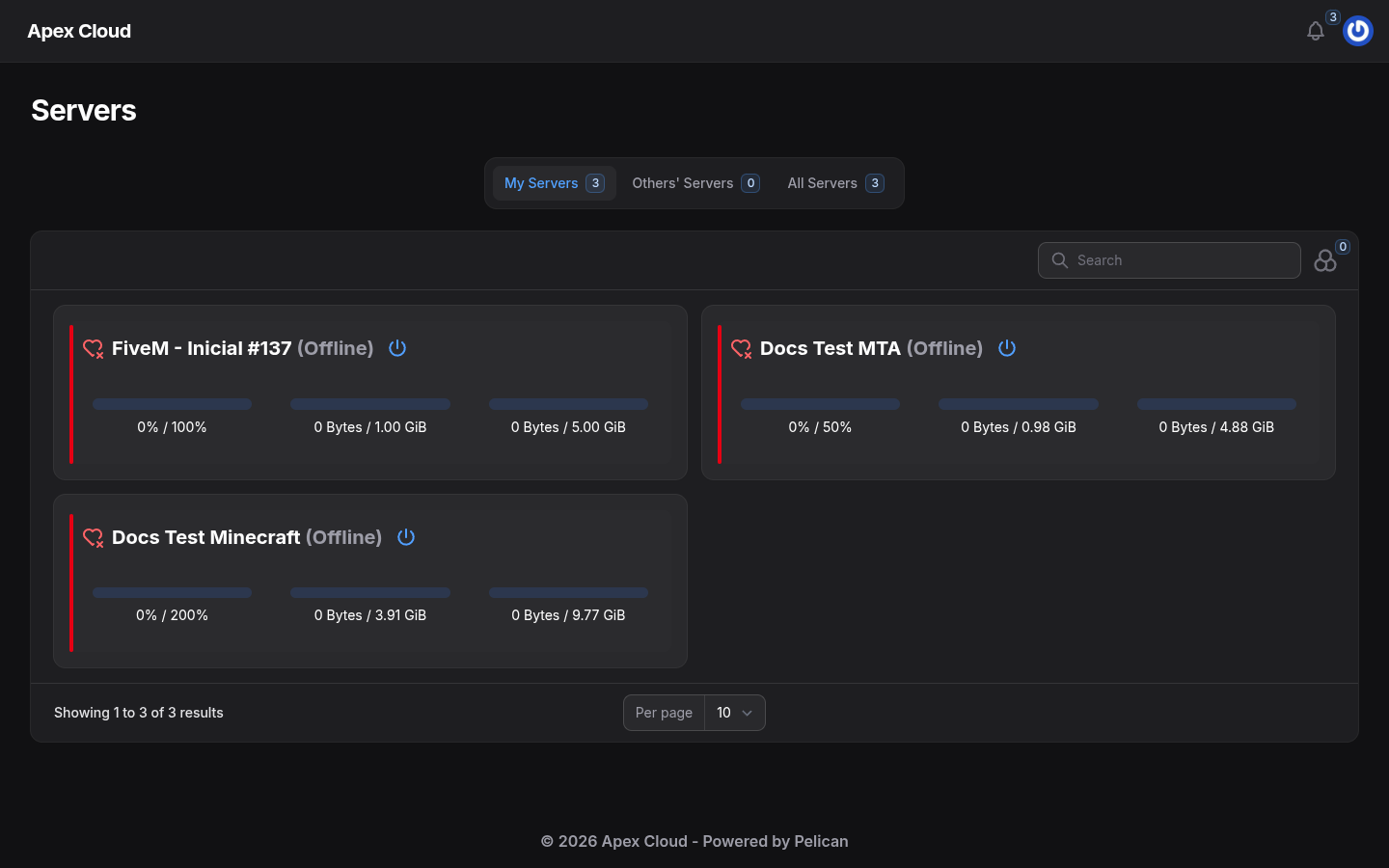
- Open your server and read the status, address and graphs on the Console.
- Upload your files in the File manager or over SFTP.
What this section covers
Every item on the server menu has its own page.
| Panel menu | Page | What it is for |
|---|---|---|
| Console | Console and power actions | Start, restart, stop and kill the server, send commands, watch CPU, memory, disk and network usage |
| Files | File manager | Edit, upload, archive and delete files from the browser |
| Files and Settings | SFTP | Transfer files with FileZilla or WinSCP |
| Databases | Databases | Create a MySQL database and get its connection details, without installing a MySQL server yourself |
| Schedules | Scheduled Tasks | Run commands and restarts on a timer, with no external script. For FiveM this means you can schedule a restart straight in the panel instead of configuring it through txAdmin |
| Backups | Backups | Panel backups require an add-on that is not yet on sale |
| Users | Users | Give other people access without sharing your password, with per-permission control |
| Network | Network | The address and ports your server uses |
| Startup | Startup | The startup command, the server variables and the Docker image |
| Settings | Settings | Rename the server, SFTP details and reinstall |
| Activity | Activity log | Who started, stopped or restarted the server, sent a command or changed a setting |
Also in this section:
- Upgrading your plan
- Troubleshooting
- Game guides: FiveM, Minecraft and MTA:SA
Development limitations
Game Servers can be used for development, but they are not a replacement for a development machine. IDEs such as VS Code, Zed and IntelliJ, as well as SSH access, are not available on Game Servers: the only remote file access is SFTP. Files can be transferred over SFTP or edited directly in the panel.
Need IDE or SSH access?
If you need to run a server outside your own computer while using an IDE, SSH, or other development tools, we recommend a VPS. If your main concern is editing files, you can edit them directly in the Game Server panel.